Import OOC Files
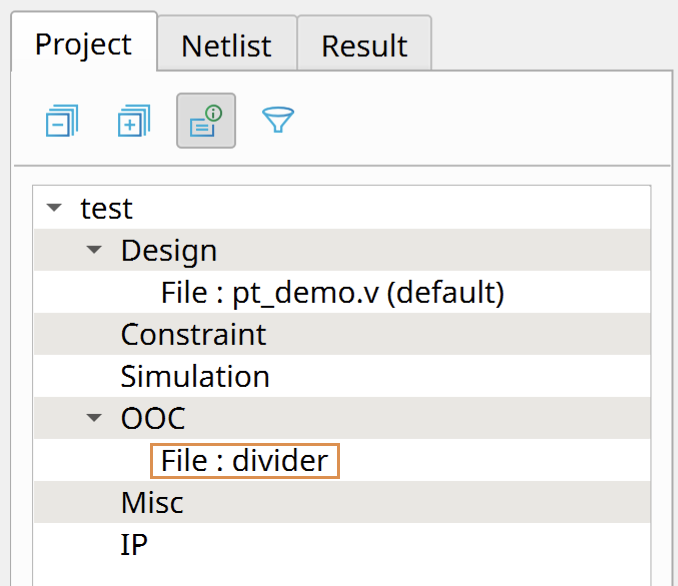
You can import an OOC archive into another project:
- Ensure that your project's device family and ordering code are the same as the ones used in the OOC design. The software cannot import an OOC archive if the device family and ordering code do not match.
- Right-click and choose Import OOC from the pop-up menu.
- In the Import OOC dialog box, browse to the the OOC archive and click Open.
The software extracts the archive and displays it in the category.