Debugging Transceivers
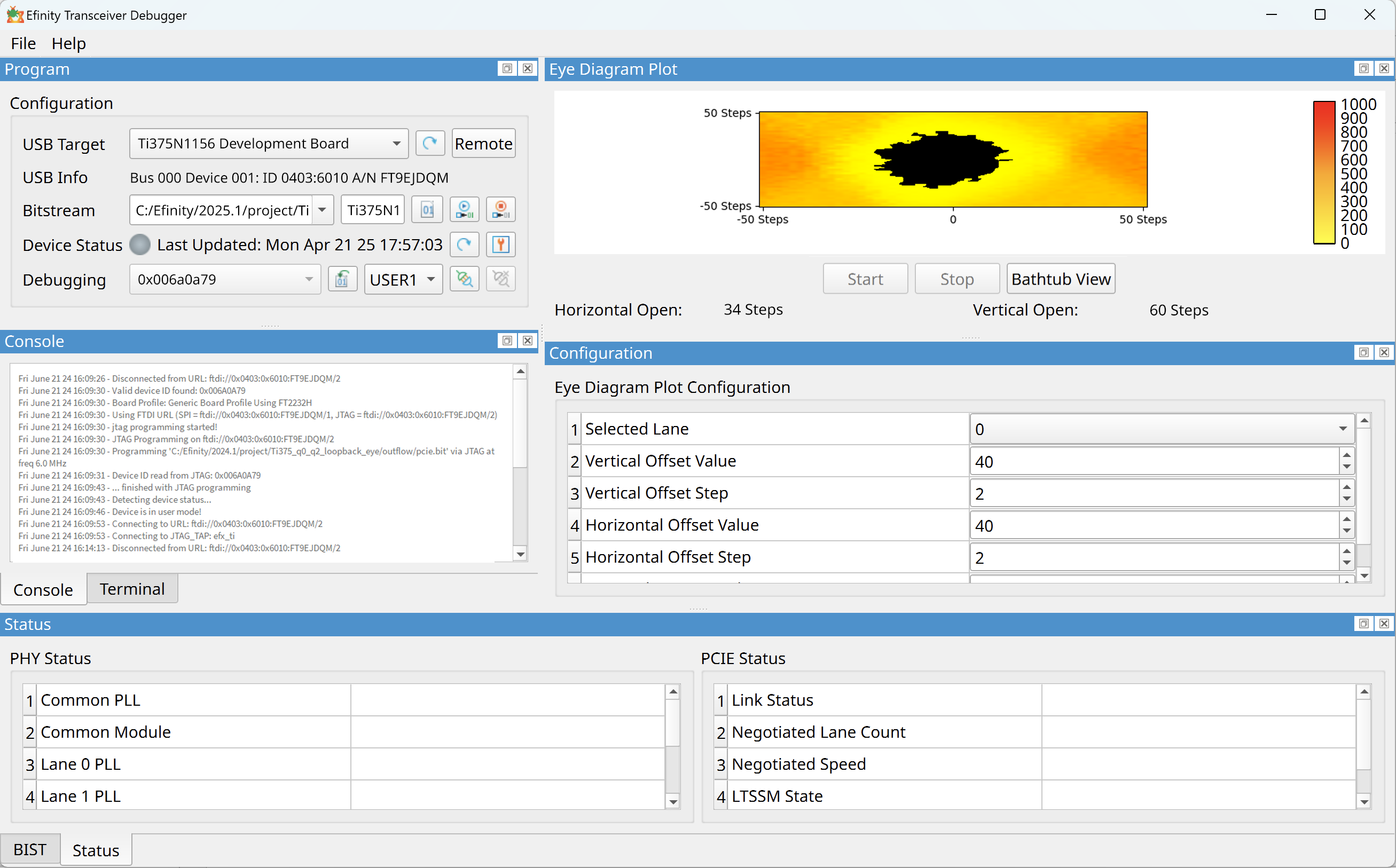
The Efinity software v2024.1 and higher includes the Efinity Transceiver Debugger tool that tests and displays the signal quality of the transceiver signals; it does not test the actual data itself. This tool is not an oscilloscope.
The left side of the Transceiver Debugger has programming options and buttons. Its functionality is similar to the Programmer, only simplified. A Console displays messages such as the device ID, board profile, and device status. It also shows any error messages. In v2025.1 and higher, the Transceiver Debugger supports BIST.
Notice: Refer to the Efinity Transceiver Debugger Tutorial
for information on how to use example designs provided with the Efinity
software.