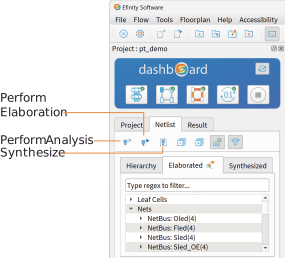
Netlist Tab
The Netlist tab, which is under the Dashboard, shows the design hierarchy and helps you browse through the elaborated design and synthesized netlist. You can only view the synthesized netlist after you have performed synthesis. You can right-click the items in the Netlist tab to open a context-sensitive menu with shortcut actions.
Tip: You can resize the Netlist tab. Grab the blank space between the
Netlist tab and the Console and drag to resize.