Proxy Settings
Depending upon your circumstances, you may need to modify your network proxy settings to enable the Efinity software to run correctly.
Important: The default network proxy settings work for most users. You should
only modify your network proxy settings if your existing network settings block access
to the ports used by the Efinity software, which causes the Efinity software to fail to start.
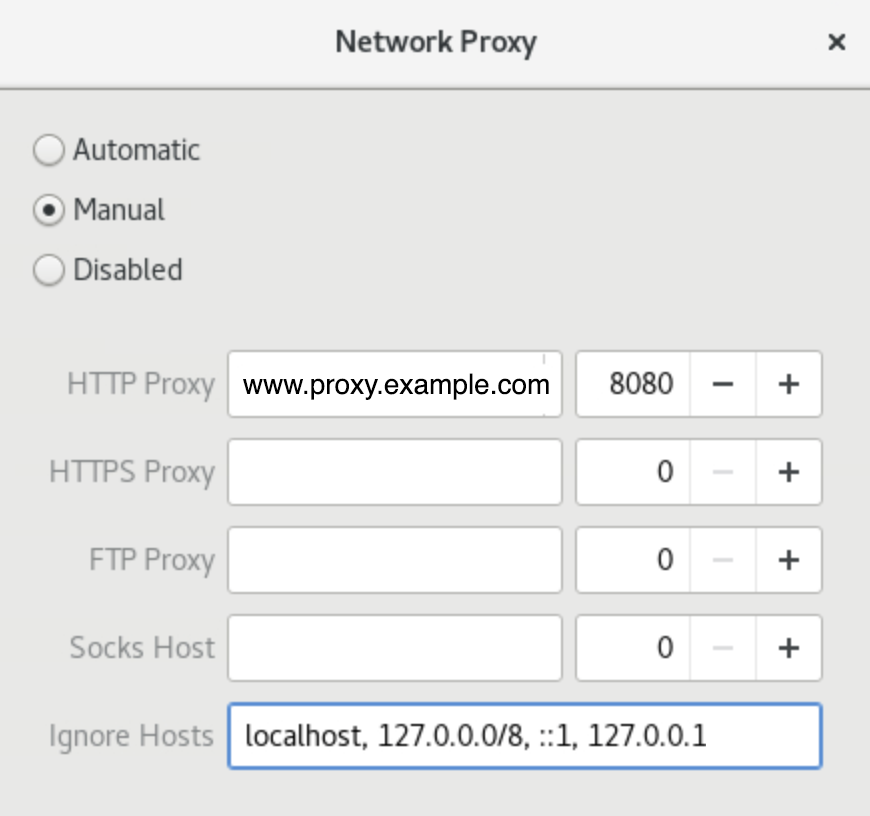
Open the network proxy settings for your operating system, then copy and paste the
following into the Ignore Hosts box:
localhost, 127.0.0.0/8, ::1, 127.0.0.1