Using Wireshark
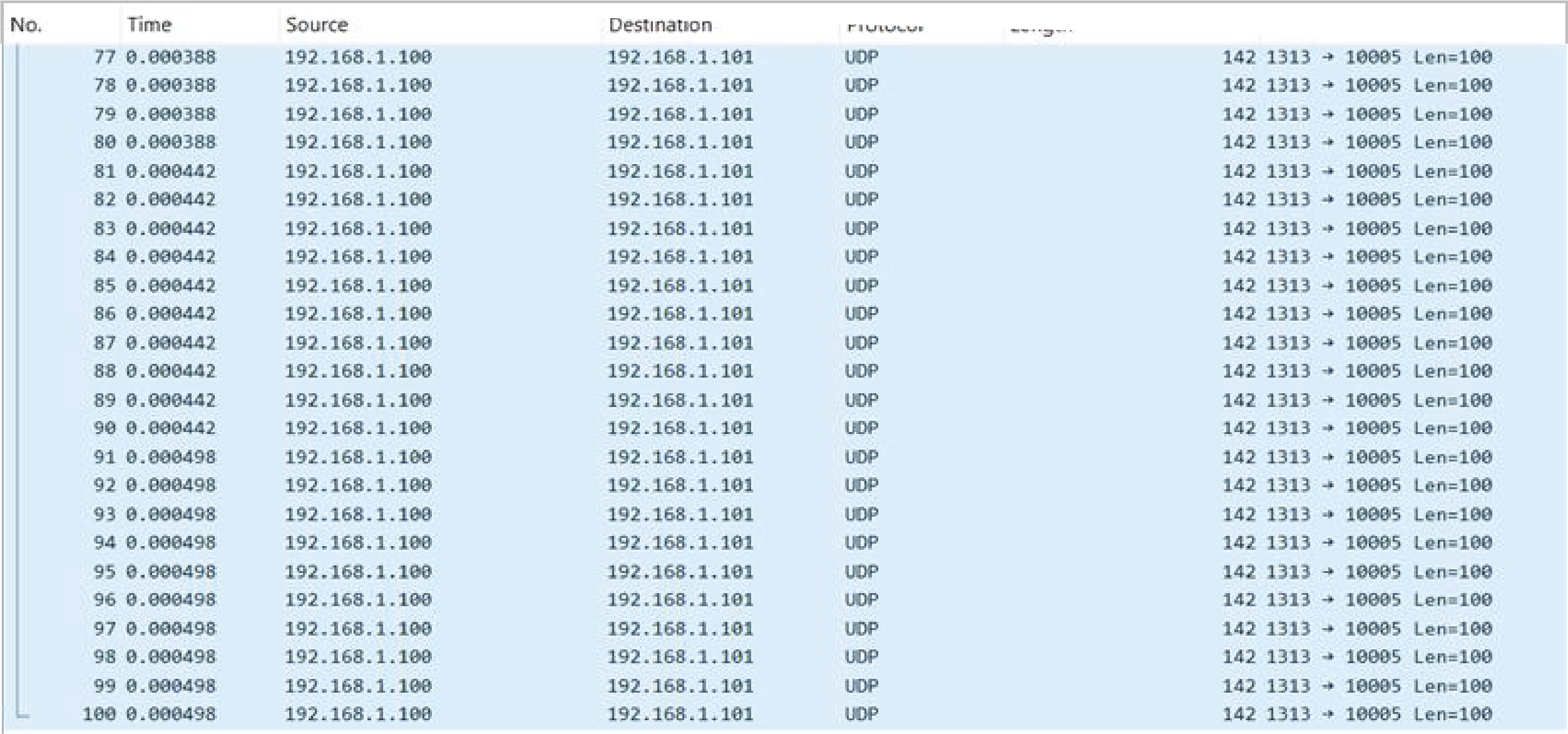
Wireshark is a free, open-source network packet analyzer used to capture and inspect Ethernet traffic. Efinix recommends using Wireshark to verify packet consistency between the transmitted and received packets, especially when the FPGA design is connected to a PC or other external network partner.
Follow the following steps to use Wireshark.
- Download and install Wireshark.
- Visit www.wireshark.org to download and install the latest version of Wireshark.
- Launch Wireshark.
- Open the Wireshark software on your computer. Under the Capture category, you will see a list of available network interfaces.
- Select the Ethernet interface.
- Choose the active Ethernet interface connection to the FPGA board. Wireshark begins capturing packets that are being transmitted and received through this interface.