Semihosting with Concurrent Debugging
About this task
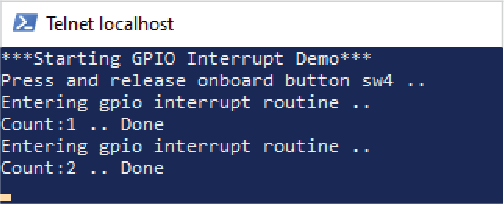
In the traditional work flow, when you enable semihosting, the output is printed in the Eclipse Console. When using the co-debug method, the spawned openOCD is an independent process, so Eclipse Console cannot capture the stdout output. Instead, we can use Telnet to see the semihosting output.
Follow these steps:
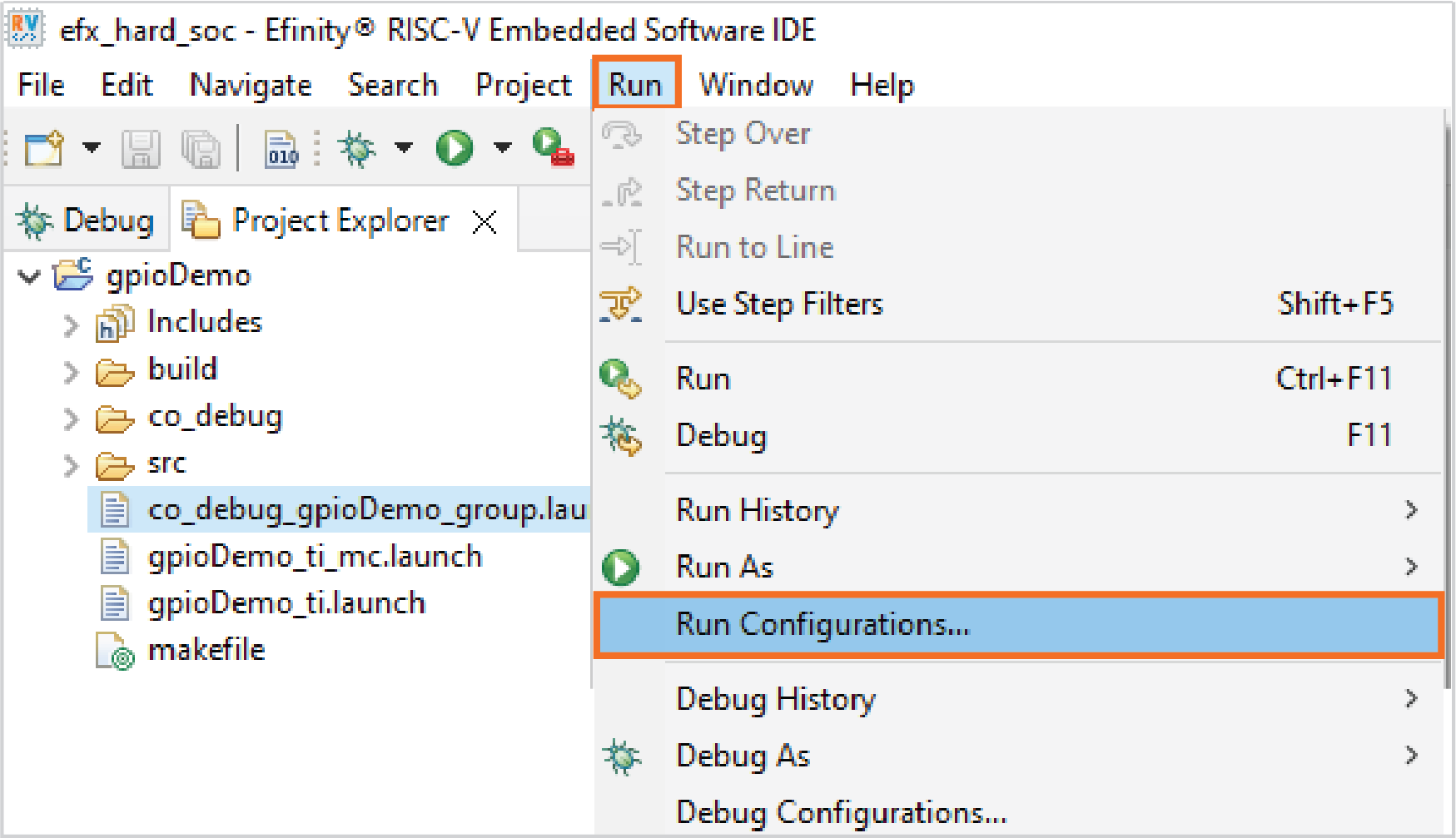
- Open .
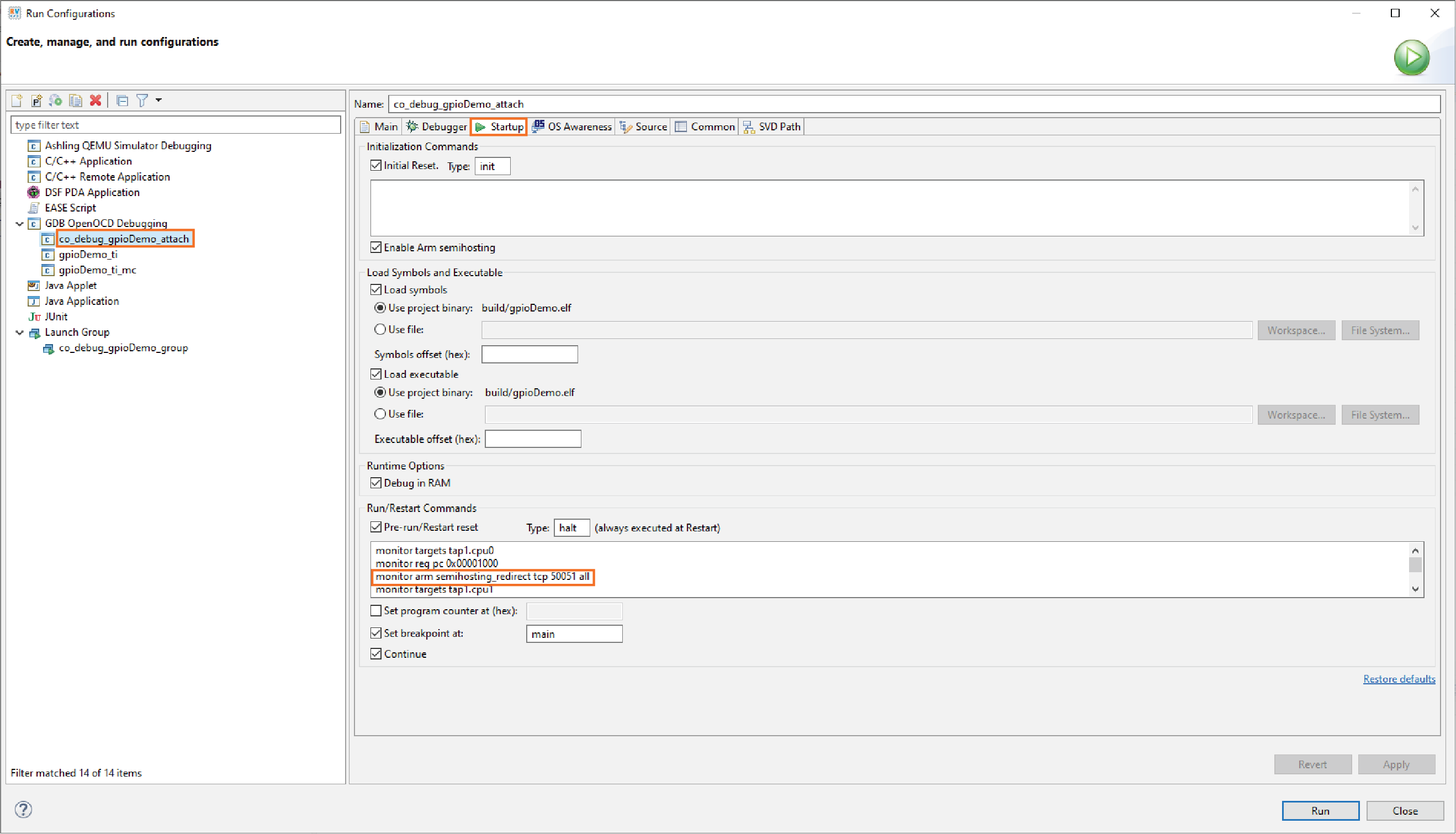
- Select the target attach launch configuration. Click on Startup tab.
- Add the command
monitor arm semihosting_redirect tcp 50051
                            all
in the Run/Restart Commands. - Click Apply and close the editor.
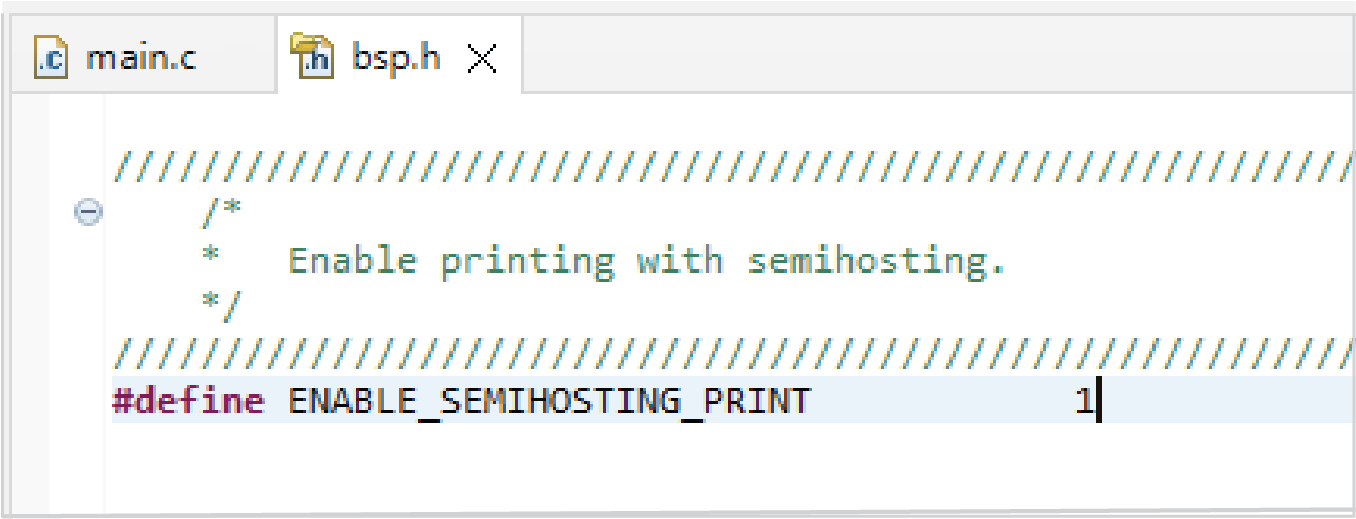
- Set
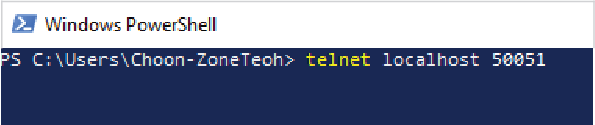
ENABLE_SEMIHOSTING_PRINTto1. - Use a Telnet client to connect to the TCP port.