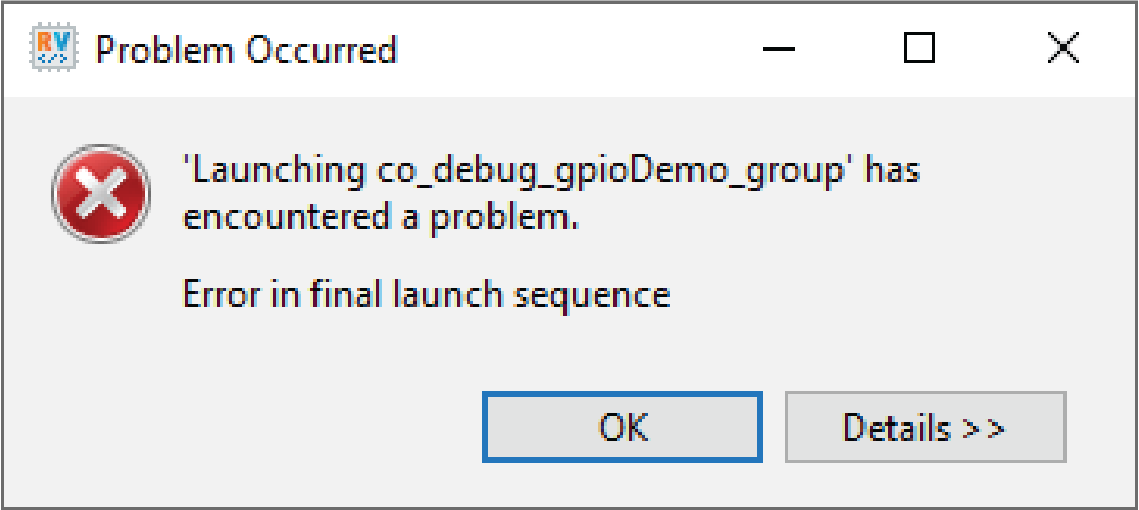
Error in Final Launch Sequence
Reason 1:
The project is using manual configuration to target a specific development kit based on USB bus and device, which is no longer valid.
Solution 1:
If only a single development kit is connected, open Launch Config Generator and click on Restore Config to reset the Co-Debug configuration to use auto connect.
If multiple users are using the same machine to debug their own development kit, click Scan USB and select the desired development kit from the drop-down list. Then, click Update OpenOCD Daemon Config.
Reason 2:
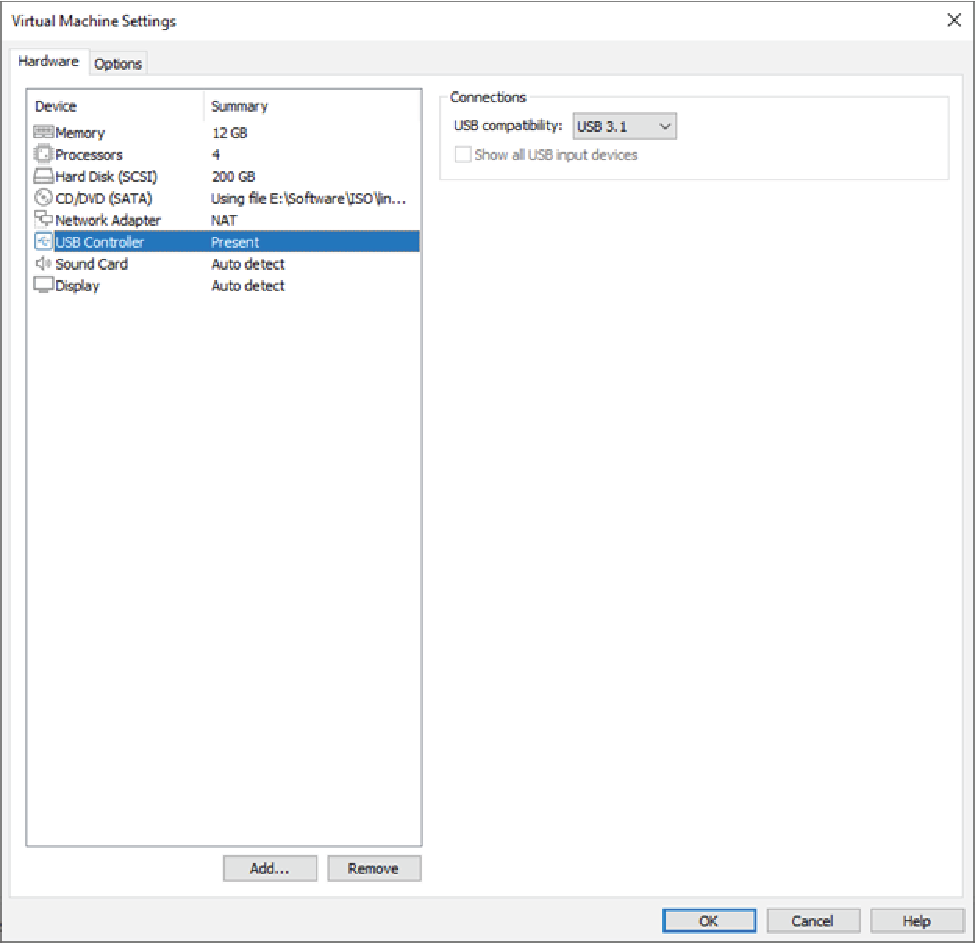
If the error happens on RISC-V IDE running in a Linux environment via a virtual machine, most probably the USB compatibility is set to USB 2.0.
Solution 2: