Create a Watchpoint
About this task
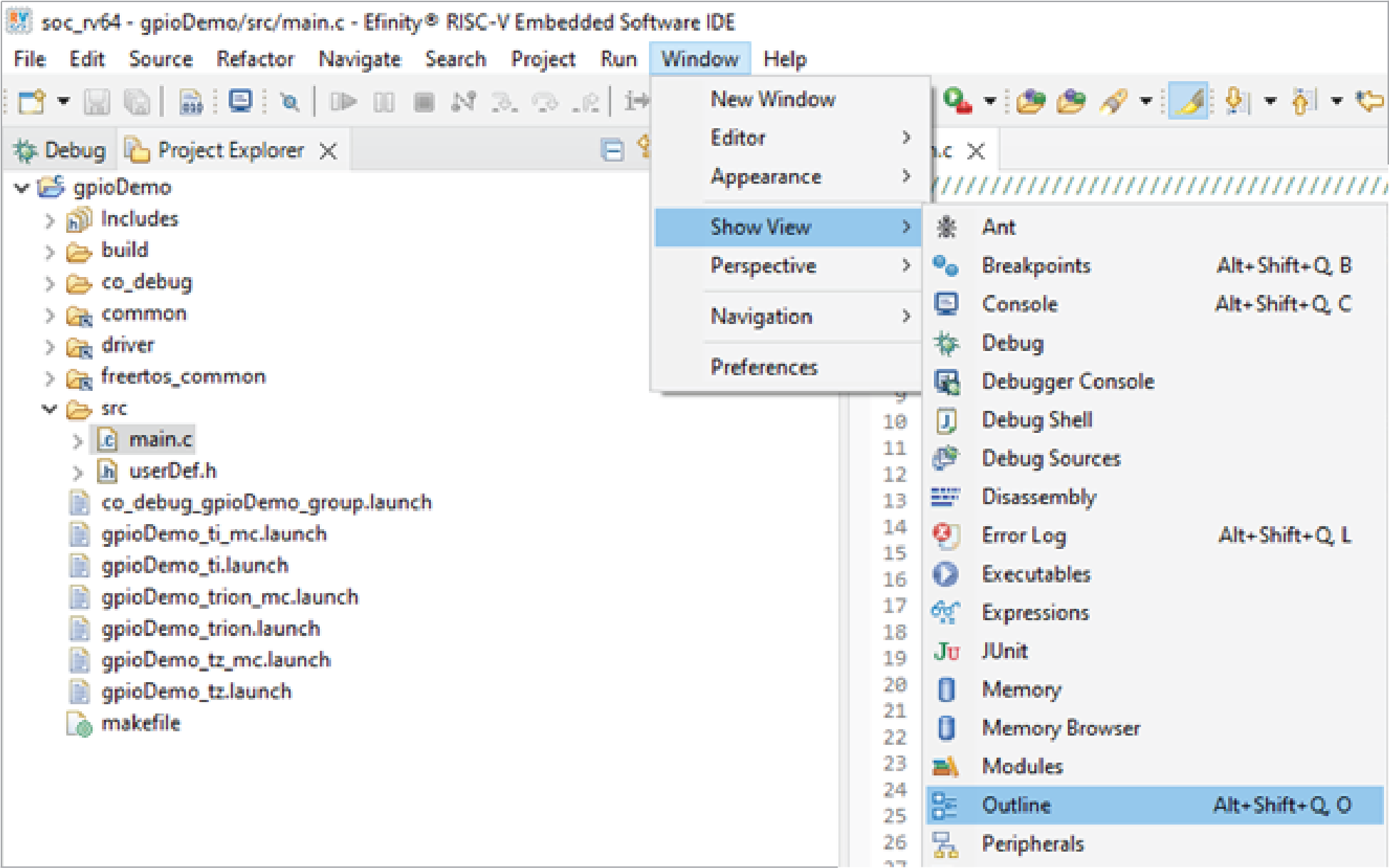
The following example uses the gpioDemo project and variable count.
- Launch the Efinity RISC-V Embedded Software IDE.
- Import the gpioDemo project into the workspace.
- Open the source file containing the variable to monitor.
- To open the Outline view, choose .
- Locate the variable in the Outline view.
- Right-click the variable and select Toggle Watchpoint.
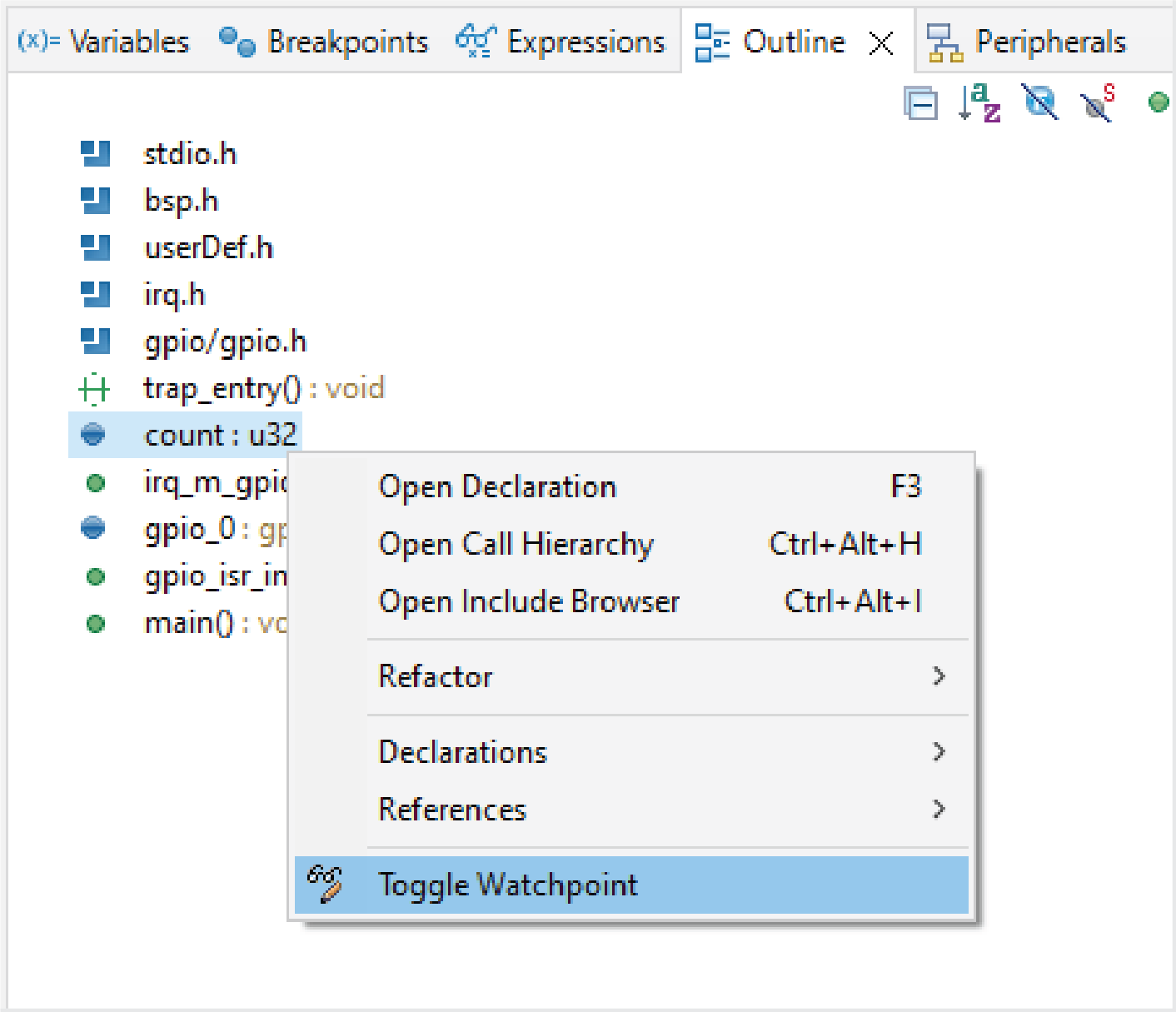
The IDE automatically creates a watchpoint for the selected variable.